
Passphoto Maker
Passphoto Maker
Instant delivery • 100% VirusTotal verified • Zero telemetry
Passphoto Maker
Interactive Preview & Screenshots Slideshow
Application Overview
Official documentation & architectural overview
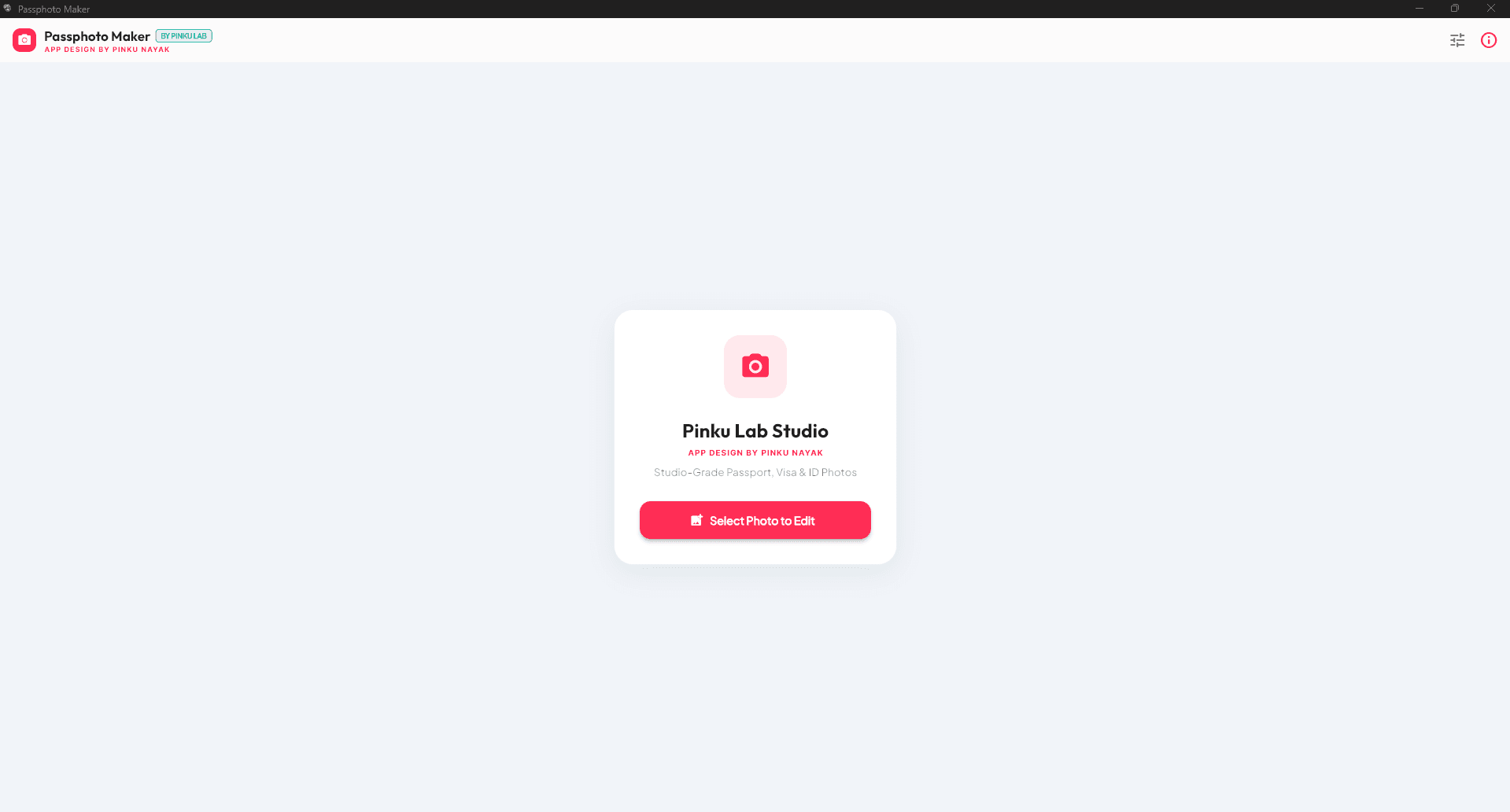
Passphoto Maker Pro — Studio-Grade Passport, Visa & ID Photo Suite Designed & Developed by Pinku Nayak | Pinku's Lab Passphoto Maker Pro is a lightweight, ultra-fast, studio-grade desktop application built for professional photo studios, cyber cafés, and home users — create, align, and print official passport and visa photos in seconds, with zero guesswork. ________________________________________ 🚀 Key Highlights 1. 📐 Precision-Calibrated Physical Print Sizing Exact, print-accurate dimensions — no shrinkage, no distortion, guaranteed 1:1 output on paper. Standard Dimensions 🇮🇳 India Standard / Studio 1.5" × 2.0" (38.1 × 50.8 mm) / 35 × 45 mm 🇺🇸 US Visa / Passport 2" × 2" (51 × 51 mm) Square 🇪🇺 Schengen & UK Visa 35 × 45 mm 🇨🇦 Canada Passport 50 × 70 mm 🔖 Stamp / PAN Card 25 × 35 mm 2. 🖨️ Zero-Shrink International A4 Printing • 1-Click Chrome Auto-Print — hits print, and Chrome opens straight to a ready native print preview. • Fixed 4-Column Grid — strictly 4 photos per row on International A4, guaranteeing zero scaling and a single, unfragmented sheet. • Top-Aligned Studio Layout — photos start right at the top of the page, so studios can cut and reuse leftover paper. • Direct Windows System Print — native printer-dialog support for HP, Epson, Canon, and Brother. 3. 🎨 Studio Background & AI Tools • AI Background Remover — one click, clean cutout, every time. • Studio Color Palette — Crisp White, Studio Light Gray, Cyan, Sky Blue, Royal Blue, Navy Blue, Crimson Red, Studio Yellow, Black, plus a full Custom Color Wheel. 4. ✂️ Smart Cutting Guides & Borders • Scissor-Cut Dashed Lines for fast, precise trimming. • Studio Frame Styles — No Border, Thin Black, Studio White, Double Line, Gold Frame, Royal Navy. • Candidate Name & Date Strip — optional bottom banner for applicant name / DOP-DOB, built for government exam formats. 5. ⚡ Flexible Paper & Export Options • Paper Types — International A4 (210 × 297 mm), 4×6 Studio Paper (4R), 5×7 Photo Paper (5R). • Quantity Selector — 2, 4, 6, 8, 12, 16, or 20 photos per sheet. • Single Photo Export — auto-cropped to strict 1.5" × 2.0" (3:4) at 300 DPI, ready for exam/job portal uploads. • Vector PDF Export — high-resolution 300 DPI output. ________________________________________ 📋 What's New in Version 1.0.0 • [NEW] 1-Click Google Chrome Auto-Print — generates an HD HTML sheet and auto-triggers Chrome's Print Preview. • [NEW] Strict 1.5" × 2.0" Physical Lock — fixed 4-column CSS grid eliminates shrink-on-print bugs. • [NEW] Top-Aligned A4 Formatting — pagination bugs fixed; layout locks to a single top-aligned page. • [NEW] System Print Button — direct physical printer support, no browser needed. • [NEW] Standalone Windows Installer — single Passphoto Maker Setup.exe with desktop shortcut and custom studio-aperture icon. • [NEW] Candidate Name & Date Overlay — official photo/birth date strip for govt. recruitment standards. • [PERFORMANCE] Pure In-Memory Image Engine — replaced fragile screen-capture routines with instant, zero-quality-loss 300 DPI rendering.
Version History & Changelog
- Release update for Passphoto Maker v1.0.0
Standard License
User Discussion, Reviews & Bug Reports
0 PostsShare your experience with Passphoto Maker, report bugs/problems, or suggest new features.
No comments in this filter yet.
Be the first to share a review, bug report, or ask a question about Passphoto Maker!
Technical Specifications
Data Safety Declaration
Mirror of official Google Play Console Data Safety filing for Passphoto Maker:
Support Pinku Nayak
Direct PhonePe / GPay UPIAapka support is software ko 100% ad-free, offline-first aur independent banaye rakhne mein direct help karta hai.
Need Support or Feature Request?
Direct developer contact for bug reports and inquiries: