
Empower Ad-Free, 100% Offline Software
Mera naam Pinku Nayak hai. Main standalone, high-performance desktop aur Android tools develop karta hoon jo hamesha 100% offline chalein, kabhi data collect na karein, aur jisme zero advertisements hon.
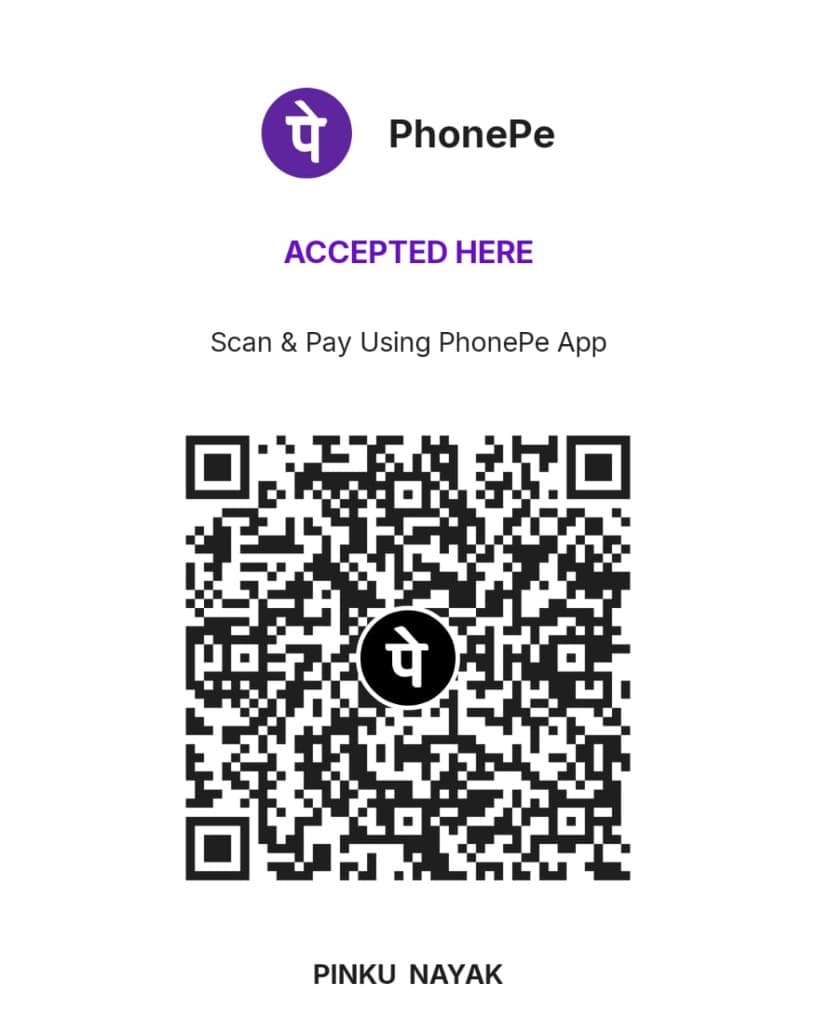
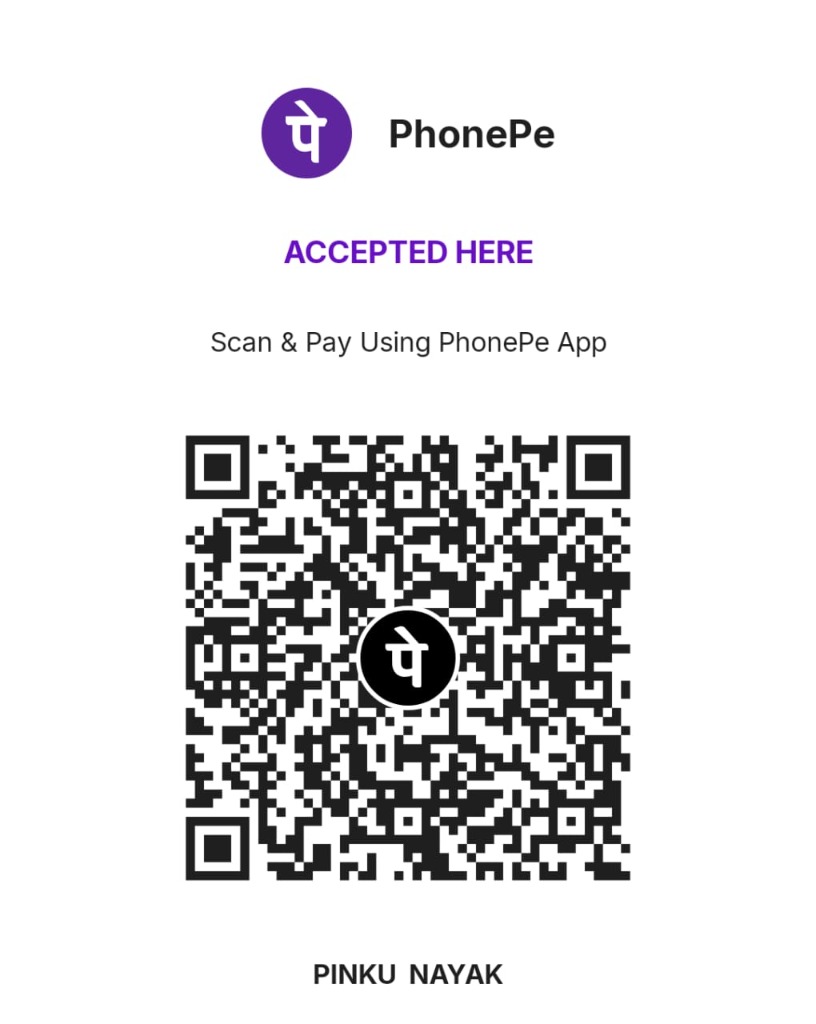
100% Direct to Creator, 0% Intermediary Fee
Aap apne phone par kisi bhi UPI app (PhonePe, Google Pay, Paytm, BHIM, CRED ya Mobikwik) se left side ka QR code scan kar sakte hain. Agar aap mobile browser par hain, to neeche diye gaye button se 1-Tap mein direct payment app open kar sakte hain.
Payment karne ke baad agar aap chahein to mujhe pinkunayak01@gmail.com par screenshot share kar sakte hain. Main personally aapko thanks note bhejunga aur upcoming premium standalone apps ka direct beta access share karunga!
Help & Developer Support Desk
Find instant troubleshooting steps, account data management, or reach out directly to founder & lead engineer Pinku Nayak.
Direct UPI Support
Contribute via PhonePe, GPay, or Paytm to keep Pinku Lab ad-free & 100% offline.
Scan QR Code or 1-Click Pay ↑Account Deletion
Submit a formal request to purge all app data and license account records.
Deletion Request Form →Direct Email Support
24-hour turnaround on technical tickets and developer inquiries.
pinkunayak01@gmail.comFrequently Asked Questions
How can I support Pinku Lab and independent software development?
You can support directly via UPI (PhonePe, Google Pay, Paytm, BHIM) by scanning the QR code or clicking the 1-Click UPI payment button above. 100% of your contribution directly funds ad-free, standalone native software development for Bharat and worldwide builders.
How do I activate my paid software license key?
After completing your one-time purchase, your license key is displayed on screen and emailed to your inbox. Open your software on Windows, click 'License & Activation' in the menu, paste your key, and click Activate. No internet is required after initial activation.
Can I transfer my license to a new PC?
Yes! Pinku Lab desktop licenses allow installation on up to 3 personal machines simultaneously. If you upgrade to a new computer, you can re-use your existing license key.
Are Android apps updated via Google Play?
Yes. All our live Android apps receive automated updates through the Google Play Store. If you installed via our direct universal APK channel, you can download newer APK releases directly from our /apps catalog without losing your local database.
How do I request custom software or commission an app?
You can commission custom Windows desktop utilities, offline Android apps, or SaaS by submitting your requirements directly through our 'Request Custom App' desk.
How do I permanently delete my account or in-app data?
You can wipe all data directly within any of our apps using the 1-Tap 'Clear Data' button in Settings, or submit a request at our Account Deletion page.