
PixelForge
PixelForge
Instant delivery • 100% VirusTotal verified • Zero telemetry
PixelForge
Interactive Preview & Screenshots Slideshow
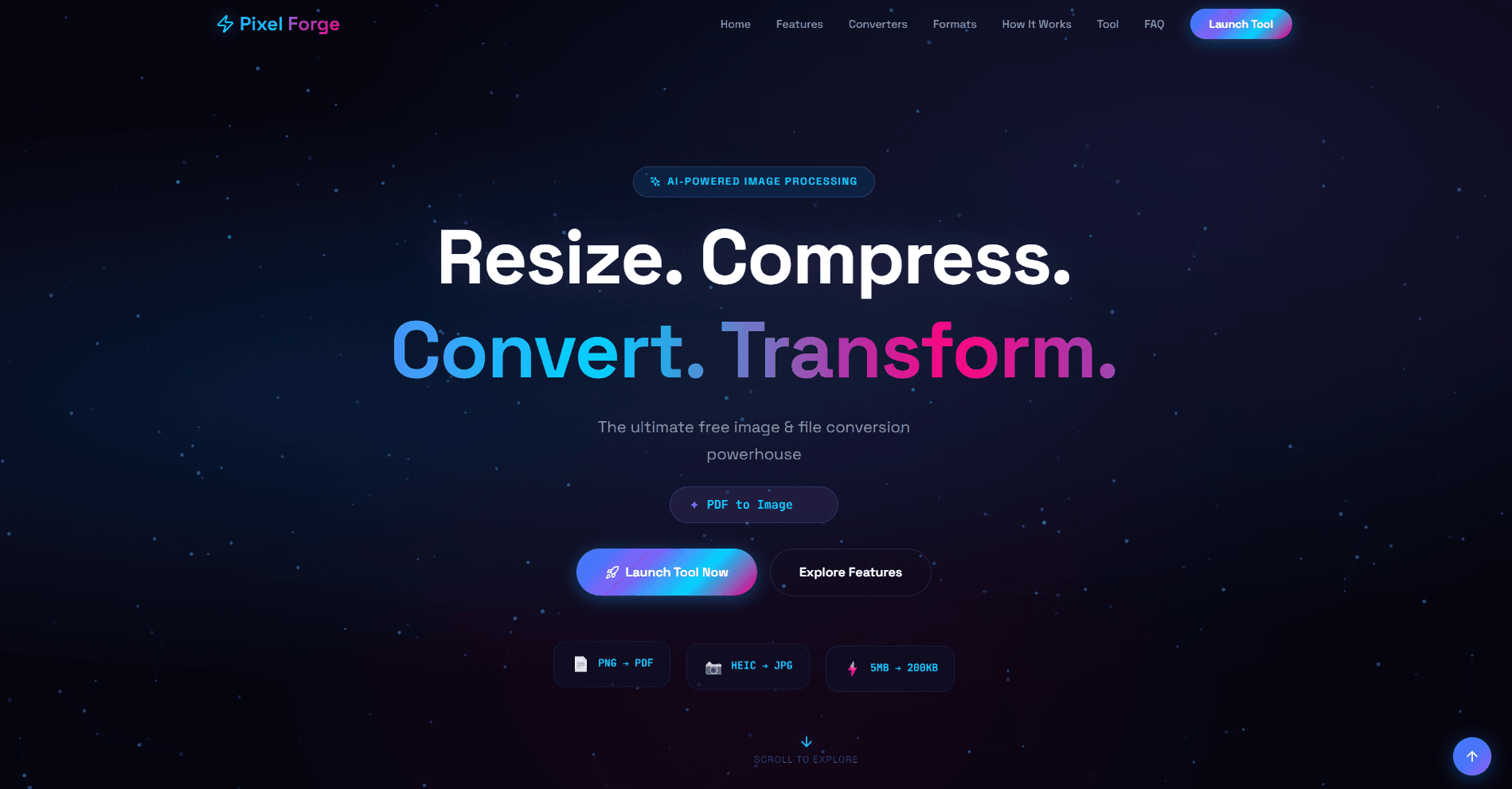
Application Overview
Official documentation & architectural overview
🌟 About PixelForge
The ultimate free image & file conversion powerhouse.
PixelForge is an advanced, AI-powered image processing and file conversion utility designed to streamline your digital workflow. Whether you need to resize, compress, convert, or transform files, it offers a comprehensive suite of professional-grade tools in one seamless interface.
Built with a strict privacy-first approach, all processing happens locally right in your browser. Your files never leave your device, ensuring 100% security and lightning-fast performance without the hassle of sign-ups, subscriptions, or software installations.
Core Highlights
Absolute Privacy: 100% local processing; zero server uploads.
Frictionless Access: No accounts, no sign-ups, no wait times.
All-in-One Utility: Everything from basic image cropping to advanced Base64 encoding.
🚀 Changelog
Version 2.0.0 (Initial Release)
🎉 New: Launched the core PixelForge utility with a modern, dark-themed, and responsive web interface.
🔒 Security: Implemented 100% client-side processing architecture to guarantee that user files never leave their device.
⚡ Image Engine: Added smart optimization tools including pixel-perfect resizing and intelligent compression (crushing file sizes by up to 80%).
🔄 Format Conversions: Introduced a universal format converter supporting JPG, PNG, WEBP, AVIF, BMP, TIFF, and Apple's HEIC/HEIF formats.
📄 Document Tools: Rolled out the Document Suite featuring fast Doc-to-PDF generation, Image-to-PDF compilation, and high-res PDF-to-Image extraction.
🛠️ Developer Utilities: Integrated advanced power tools, including Batch Processing (up to 20 files), EXIF metadata viewer/stripper, Base64 encoder/decoder, and a custom QR code generator.
Engineered with precision by Pinku Lab.
Version History & Changelog
- Release update for PixelForge v2.0.0
Standard License
User Discussion, Reviews & Bug Reports
0 PostsShare your experience with PixelForge, report bugs/problems, or suggest new features.
No comments in this filter yet.
Be the first to share a review, bug report, or ask a question about PixelForge!
Technical Specifications
Data Safety Declaration
Mirror of official Google Play Console Data Safety filing for PixelForge:
Support Pinku Nayak
Direct PhonePe / GPay UPIAapka support is software ko 100% ad-free, offline-first aur independent banaye rakhne mein direct help karta hai.
Need Support or Feature Request?
Direct developer contact for bug reports and inquiries: